How to keep your child's memories safe when your phone is full
By Delia Lusk · Blog
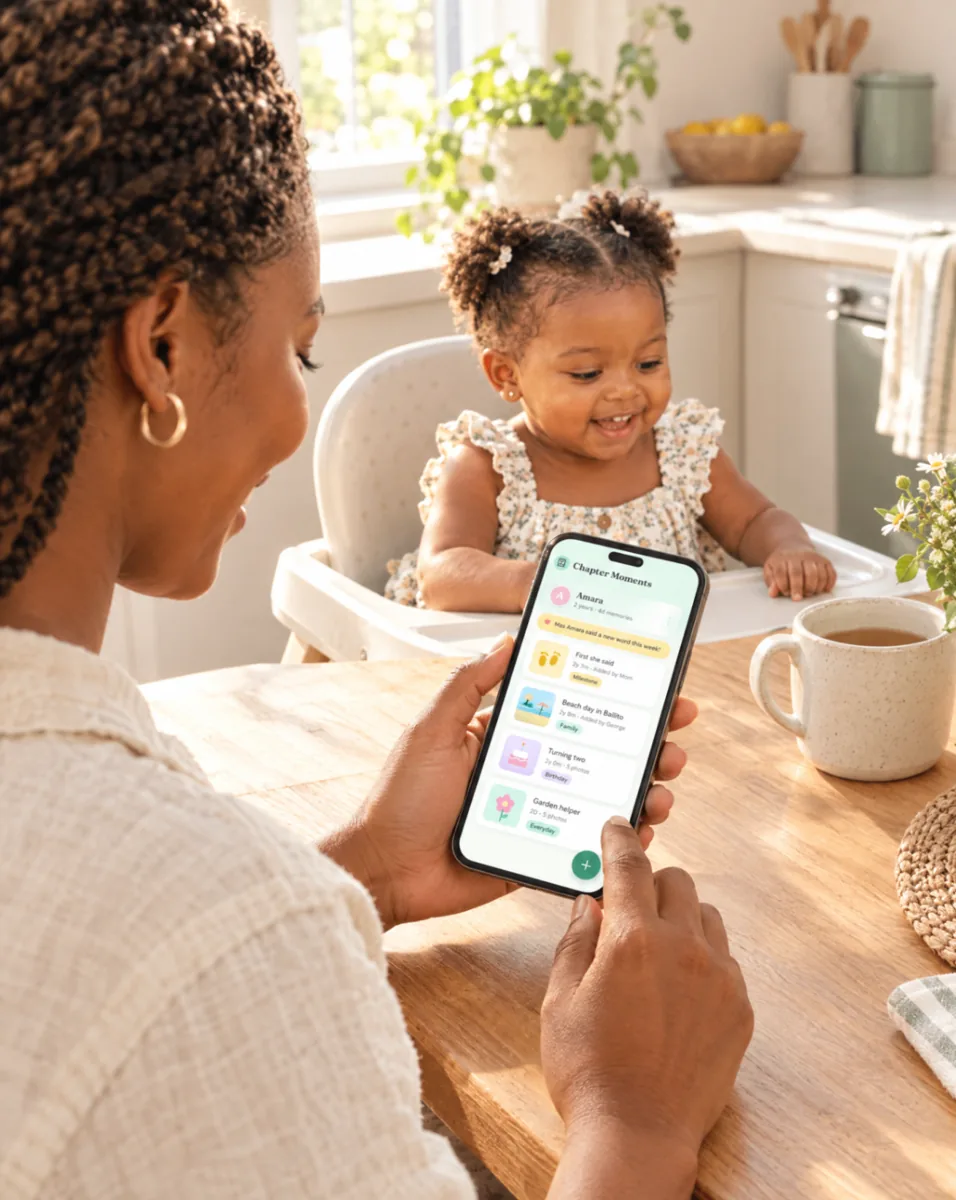
It always happens at the worst moment. Your toddler is blowing out birthday candles, you lift your phone — and up pops “Storage almost full”. Most parents have thousands of photos of their children sitting on one device. Here's how to keep those memories safe without spending your evenings sorting pictures.
Why one phone isn't enough
Phones get lost, stolen, dropped in the pool and replaced. If your only copy of your baby's first year lives on one handset, a single bad day can wipe it out. And even when nothing goes wrong, thousands of unsorted photos are hard to enjoy. Finding that one video of their first steps can take half an hour of scrolling.
Step 1: back up automatically
Turn on automatic backup to a cloud service so photos are copied off your phone as you take them. Set it to back up on Wi-Fi only if data costs are a concern — South African mobile data isn't cheap, and backing up videos over 4G adds up fast. Check once a month that it's actually working.
Step 2: clear the duplicates
For every good photo, there are usually five nearly identical ones. Once a week, perhaps on a Sunday evening, take ten minutes to delete the blurry ones, the screenshots and the twelve takes of the same pose. Your phone will thank you, and your favourites will be easier to find.
Step 3: save the best ones with their story
Here's the part most backups miss: the story. A photo of a little girl on a beach is lovely. A photo of “Amara's first time at the sea, Ballito, February — she ran straight back to Gran” is a memory. Dates, places and a line about what happened are what make photos meaningful years later.
This is exactly why we built Chapter Moments. You choose the moments worth keeping, add a line or two, and they're saved to your child's private timeline. Display photos are compressed so the app stays quick on your phone, while the full-resolution originals are kept safely for printing.
Step 4: share with family, not with everyone
Family WhatsApp groups are wonderful, but photos get lost in the chat and saved to everyone's phones (which then fill up too). A private family space keeps things in one place. In Chapter Moments you invite Gran, the aunties or godparents by email and choose whether they can add memories or only view them. Your journal is never public.
Step 5: keep a copy you can hold
Digital files are convenient, but there's something special about a book. A printed Memory Book can't be accidentally deleted, doesn't need charging, and gets pulled off the shelf at family gatherings for years. Printing is launching soon in Chapter Moments — you'll be able to print a year, a custom date range, or everything so far.
A simple routine that works
- Automatic cloud backup on Wi-Fi
- Ten minutes a week to delete duplicates
- Save your favourite moments with a date and a line of story
- Invite close family to a private space instead of sending everything on WhatsApp
- Print a book once a year, or for a special birthday
Your data, your rules
Whatever tools you use, check where your photos are stored and who can see them. In South Africa, POPIA gives you rights over your personal information. You can read how we protect yours in our Privacy Policy, and you can export all your memories for free at any time.
Not sure whether an app or a traditional album suits you better? Read Baby book vs memory book app. And have a look at our plans — the Free plan keeps up to 50 memories at no cost.
Ready to start keeping their story?
Start your child's story free